Schedule 3: Certain Fuel Mixtures and the Alternative Fuel Credit
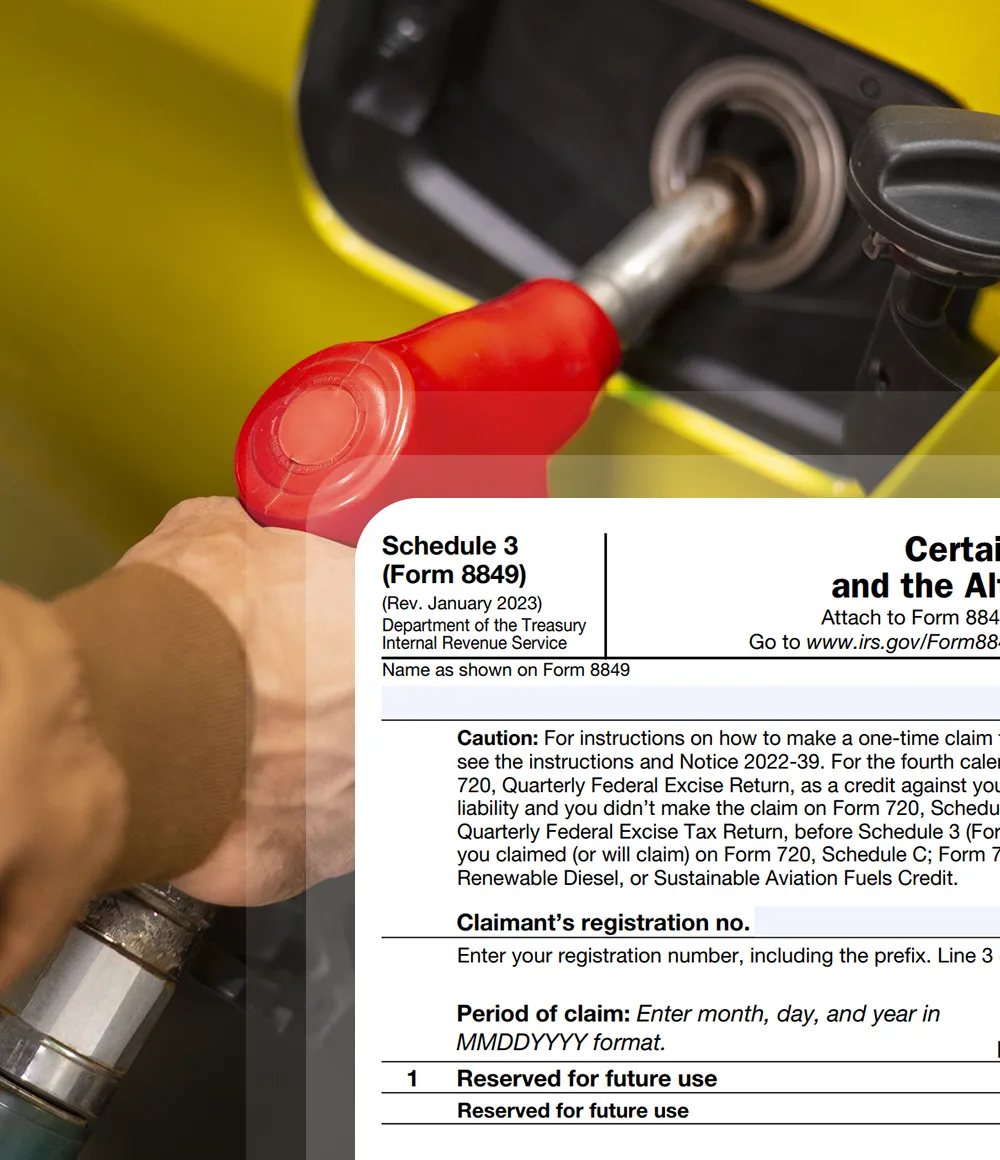
What Is Form 8849 Schedule 3?
- Form 8849 Schedule 3, issued by the Department of the Treasury through the Internal Revenue Service, is used to claim refunds or credits for certain fuel-related excise taxes tied to biodiesel mixtures, renewable diesel mixtures, and alternative fuel mixtures.
- This schedule applies to taxpayers who have produced or blended qualified fuel mixtures and are eligible to recover excise taxes or claim allowable credits under federal law.
- Schedule 3 focuses on statutorily defined fuel credits, including biodiesel mixtures, renewable diesel mixtures, and alternative fuel mixtures.
- Filing this schedule requires identifying the type of fuel or mixture, the applicable credit rate, the number of gallons involved, and the total credit or refund claimed, along with maintaining proper supporting records as required by the IRS.
What Are the Main Objectives of
Form 8849 Schedule 3?
- The primary purpose of Form 8849 Schedule 3 is to enable eligible taxpayers to claim refunds or credits related to qualified fuel mixture excise taxes.
- The schedule requires reporting specific information on the type of fuel mixture, applicable credit rates, and the volume of fuel involved.
- When completed accurately and filed with Form 8849, Schedule 3 allows recovery of allowable fuel mixture credits under federal excise tax rules.
Who Is Eligible to File Form 8849 Schedule 3?
Form 8849 Schedule 3 may be filed by taxpayers who are legally entitled to
claim fuel mixture credits under federal excise tax rules.
Eligible filers include:

Renewable Diesel Mixture

Blenders

Mixture Sellers

Sold or Used the Fuel

Claimants

Fuel Type and CRN
Each category has specific eligibility and registration requirements.
Only taxpayers legally entitled to claim fuel mixture credits and who meet IRS documentation standards can file Form 8849 Schedule 3.

Form 8849 Schedule 3 Deadline
- The Schedule 3 claim must be filed by the last day of the first calendar quarter following the earliest quarter of the claimant’s income tax year included in the claim.
- If the Schedule 3 credit relates to activity from April through June, the claim must be submitted by September 30. If the credit relates to activity from July through September, the claim must be submitted by December 31.
- Claimants must follow Form 8849 filing timelines and meet all Schedule 3 documentation and eligibility requirements to ensure acceptance of the credit or refund..
Table to Refer for Deadlines of Schedule 3
| Claim Activity Month | Quarter | Filing Deadline |
|---|---|---|
| January - March | Q1 | June 30 |
| April - June | Q2 | September 30 |
| July - September | Q3 | December 31 |
| October - December | Q4 | March 31 (Following Year) |
Specific instructions for Form 8849 Schedule 3


Manual filing vs Online filing steps with
Simple 720 for your Form 8849 Schedule 3

Form 8849 Schedule 3
- Step 1 - Download the latest versions of Form 8849 and Form 8849 Schedule 3 from the official IRS website to ensure you are using the most current documents.
- Step 2 - Complete the basic details required in Form 8849, including the business name, address, phone number, ZIP code, Employer Identification Number (EIN), Social Security Number (SSN), and the month the claimant’s income tax year ends.
- Step 3 - Mark the appropriate checkbox for "Certain Fuel Mixtures and the Alternative Fuel Credit" on the Schedule 3 section of Form 8849 to indicate the relevant credit you are claiming.
- Step 4 - Below are the steps to fill Form 8849 Schedule 3. Enter your business name and EIN. These should match exactly with the details provided on Form 8849 to ensure consistency and avoid discrepancies.
- Step 5 - Provide the claimant’s registration number, the claim period (from and to), and the total refund amount. Carefully review the instructions page to accurately determine and input the correct refund amount.
- Step 6 - gallons, your claim amount will be automatically calculated and displayed on the dashboard. Once confirmed, submit your claim, and it will be successfully processed.
- Step 7 - Enter the applicable tax rate in Column A, the quantity in gallons in Column B, and calculate the value of the claim in Column C by multiplying Columns A and B.
- Step 8 - Sign and date Form 8849 to validate the filing, confirming the accuracy of all information provided.
- Step 9 - Mail both completed forms (Form 8849 and Schedule 3) to the appropriate IRS mailing address, as specified in the Where To File section of Form 8849 instructions , to finalize your submission.

Form 8849 Schedule 3
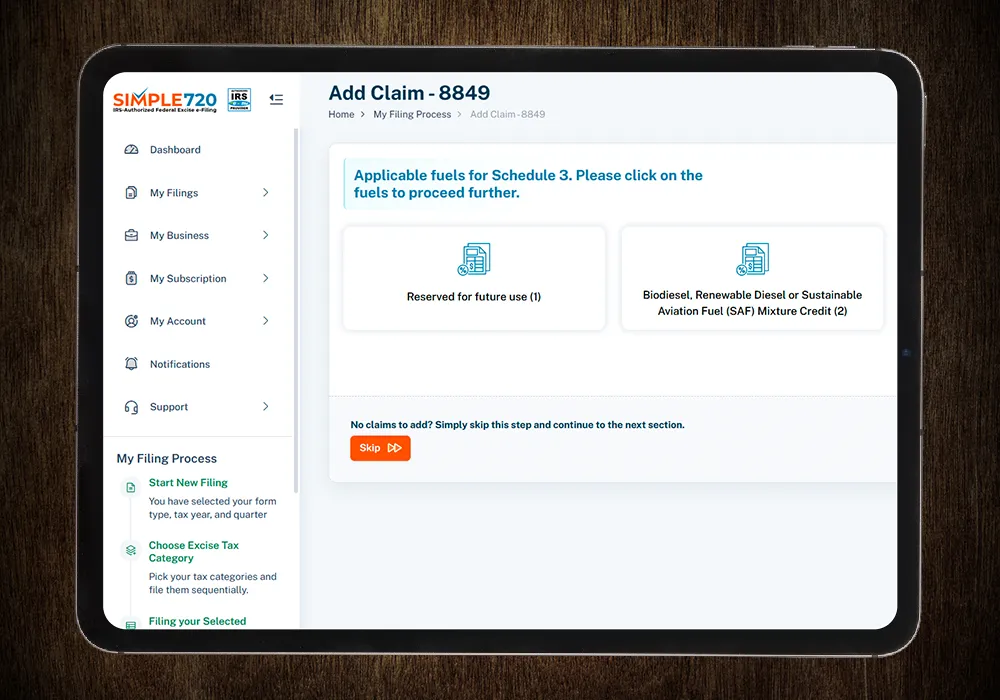
- Step 1 - If you are a new user, create a free account on Simple720. If you already have an account, simply log in using your credentials.
- Step 2 - Enter your business details or select the stored information from the drop-down menu. Choose "Form 8849 (Claim for Refund of Excise Taxes)" from the form type drop-down list.
- Step 3 - Select the appropriate schedule type from the dropdown. Choose "Form 8849 Schedule-3 - Certain Fuel Mixtures and the Alternative Fuel Credit," then enter the year and month that your income tax year ends.
- Step 4 - Provide the claim date (from and to), the ultimate vendor registration number, and select the relevant subcategory that applies to your claim.
- Step 5 - After entering the quantity in gallons, your claim amount will be automatically calculated and displayed on the dashboard. Once confirmed, submit your claim, and it will be successfully processed.
Benefits of Filing Form 8849 Schedule 3 Online



Your Filing Status
Schedule 3 filings used to drain internal bandwidth, requiring a lot of time and revisions. After moving to Simple720, the process became more structured and predictable. It reduced the follow-up work and helped us submit claims with fewer revisions.
The complexity of Schedule 3 rules left little room for error, and we spent too much time double-checking submissions. Simple720 provided a clearer filing flow and minimized second-guessing. The support during submission made the process feel more controlled.
We struggled with maintaining consistency in Schedule 3 filings across quarters. Simple720 centralized data, timelines, and documentation. It helped us achieve consistency and eased record-keeping before deadlines.