Schedule 5: Refund Claims
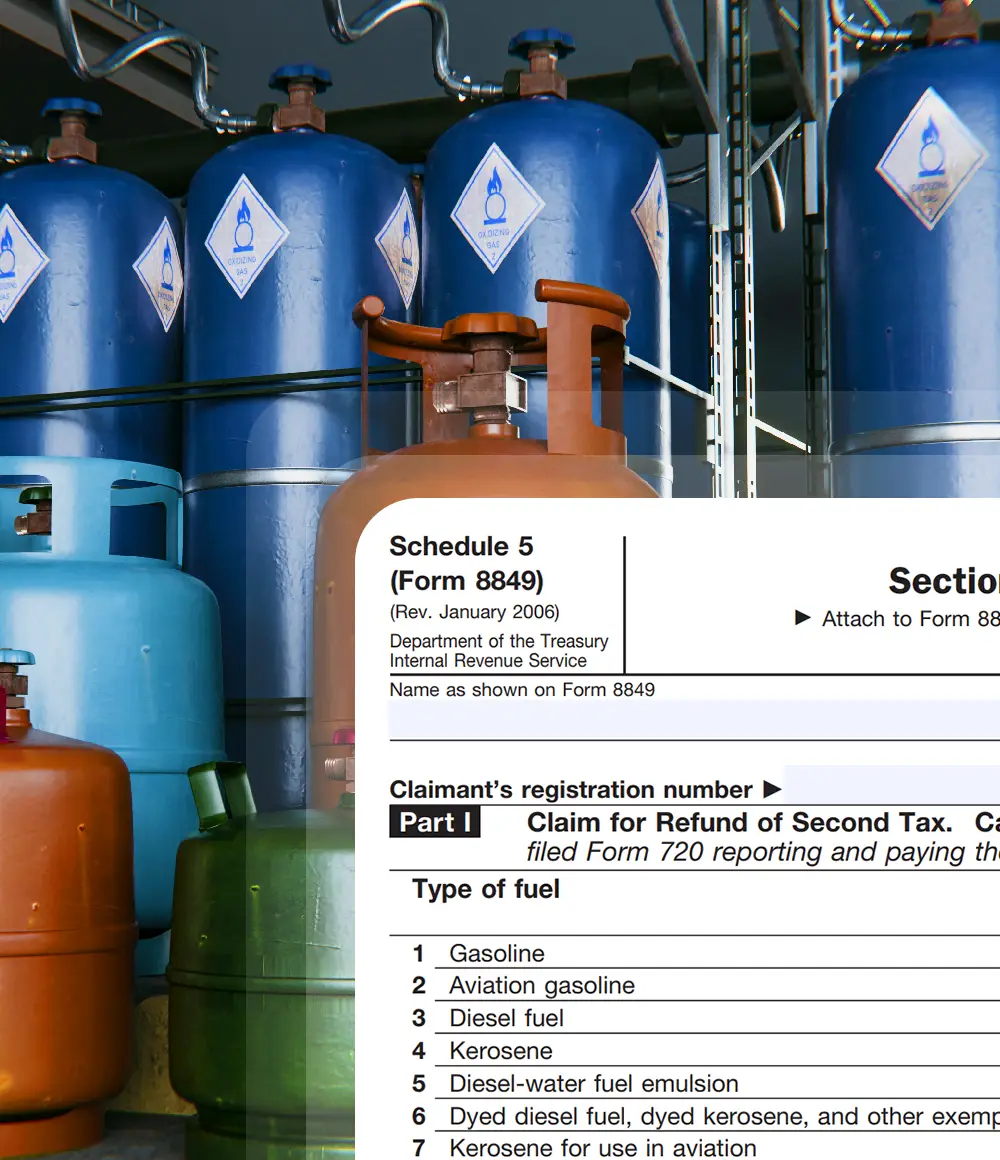
What Is Form 8849 Schedule 5?
- Form 8849 Schedule 5 is used to claim a refund of federal excise tax imposed under Internal Revenue Code Section 4081 when the same taxable fuel is taxed more than once. It applies in cases where excise tax is incorrectly duplicated on taxable fuels such as gasoline, diesel fuel, or kerosene.
- Schedule 5 is filed with Form 8849 and requires reporting the fuel type, tax rate, gallons involved, and the amount of tax paid twice, along with supporting records.
Primary Purpose of Form 8849 Schedule 5
- The primary purpose of Form 8849 Schedule 5 is to allow taxpayers to recover federal excise tax paid more than once on the same taxable fuel under Internal Revenue Code Section 4081. This schedule 5 exists to correct situations where duplicate taxation occurs and to ensure that taxpayers are not financially penalized due to errors in fuel tax imposition or reporting.
Who Can File Form 8849 Schedule 5?
Form 8849 Schedule 5 may be filed by IRS-registered taxpayers who paid federal excise tax
more than once on the same taxable fuel. Eligibility applies only when duplicate taxation
occurred under IRC Section 4081 and can be clearly substantiated.

Tax Payers

Holders

Second Tax Payment

Fuel Claimants
Only taxpayers who can prove double taxation and maintain supporting records
are eligible to file Schedule 5 claims.

Form 8849 Schedule 5 Filing Deadline
- The claim must be filed within 3 years from the time the return for the second tax was filed or 2 years from the time the second tax was paid to the government, whichever is later.
- For instance if you paid the second excise tax on fuel on June 15, 2024 and filed the Form 720 that reported that second tax on July 20, 2024 then 2 years after tax paid will be June 15, 2026 and 3 years after return filed will be July 20, 2027
- The claim must be filed by the later date → July 20, 2027. So you could file anytime on or before July 20, 2027.
- Taxpayers must ensure clear proof of double taxation, accurate gallon reporting, and proper records to support the Schedule 5 refund claim.
Specific instructions for Form 8849 Schedule 5


Manual filing vs Online filing steps with
Simple 720 for your Form 8849 Schedule 5

Form 8849 Schedule 5
- Step 1 - Download the latest versions of Form 8849 and Form 8849 Schedule 5 from the official IRS website to ensure you are using the most current documents.
- Step 2 - Complete the basic details required in Form 8849, including the business name, address, phone number, ZIP code, Employer Identification Number (EIN), Social Security Number (SSN), and the month the claimant’s income tax year ends.
- Step 3 - Mark the appropriate checkbox for "Section 4081(e) Claims" on the Schedule 5 section of Form 8849 to indicate the relevant credit you are claiming.
- Step 4 - Below are the steps to fill Form 8849 Schedule 5. Enter your business name and EIN. These should match exactly with the details provided on Form 8849 to ensure consistency and avoid discrepancies.
- Step 5 - Provide the claimant’s registration number and the total refund amount. Carefully review the instructions page to accurately determine and input the correct refund amount.
- Step 6 - Follow the specific line items on the form, ensuring you fill in the correct information corresponding to your filing category. Ensure accuracy when entering amounts related to the fuel you are claiming.
- Step 7 - For Part 1: Enter the applicable tax rate in Column A For Part 2: This section has supporting details. Carefully fill c,d,e,f column Information.
- Step 8 - Sign and date Form 8849 to validate the filing, confirming the accuracy of all information provided.
- Step 9 - Mail both completed forms (Form 8849 and Schedule 5) to the appropriate IRS mailing address, as specified in the Where To File Section of Form 8849 instructions , to finalize your submission.

Form 8849 Schedule 5
- Step 1 - If you are a new user, create a free account on Simple720. If you already have an account, simply log in using your credentials.
- Step 2 - Enter your business details or select the stored information from the drop-down menu. Choose "Form 8849 (Claim for Refund of Excise Taxes)" from the form type drop-down list.
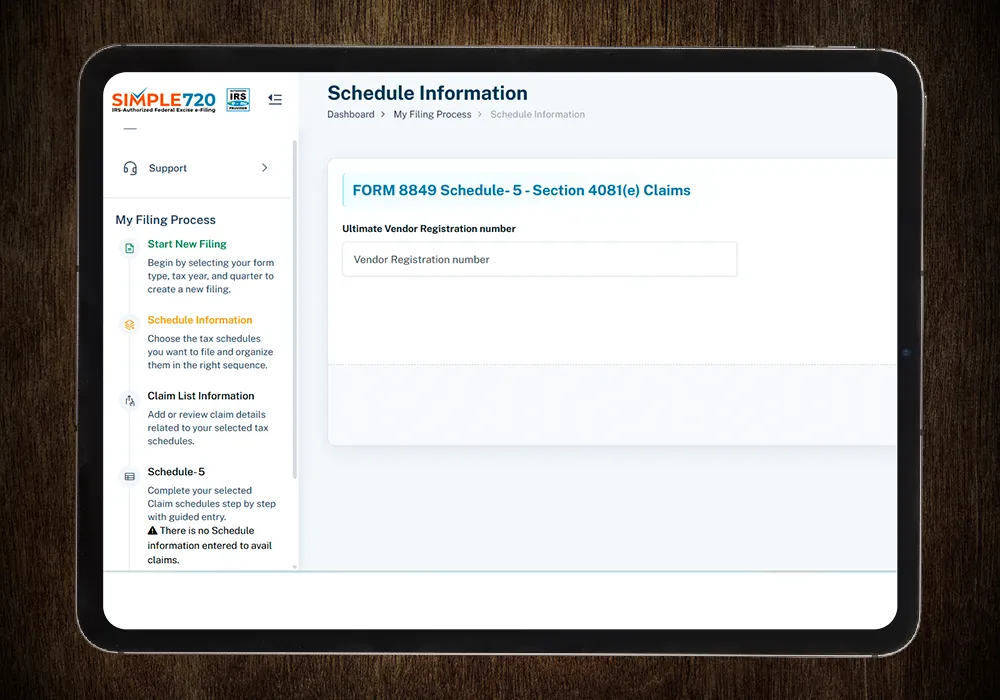
- Step 3 - Select the appropriate schedule type from the dropdown. Choose "Form 8849 Schedule-5 - Section 4081(e) Claims" then enter the year and month that your income tax year ends.
- Step 4 - Provide the Ultimate vendor registration number, Date second tax liability incurred, Type of Fuel and gallons. Also attach the supporting document.
- Step 5 - After entering the above details, your claim amount will be automatically calculated and displayed on the dashboard. Once confirmed, submit your claim, and it will be successfully processed.
Benefits of Filing Form 8849 Schedule 5 Online



We identified duplicate excise tax but weren’t confident about filing Schedule 5 correctly. Simple720 helped us structure the claim and document the issue properly. It gave us confidence that the refund request was filed the right way.
Proving double taxation was our biggest challenge. Manual filing felt risky. Simple720 helped us organize the data and submit the Schedule 5 claim cleanly, without last-minute stress.
We weren’t sure if our overpaid excise tax could even be recovered. Schedule 5 looked complex. Simple720 made the filing clear and reduced uncertainty around the claim.