Schedule 6: Other Claims
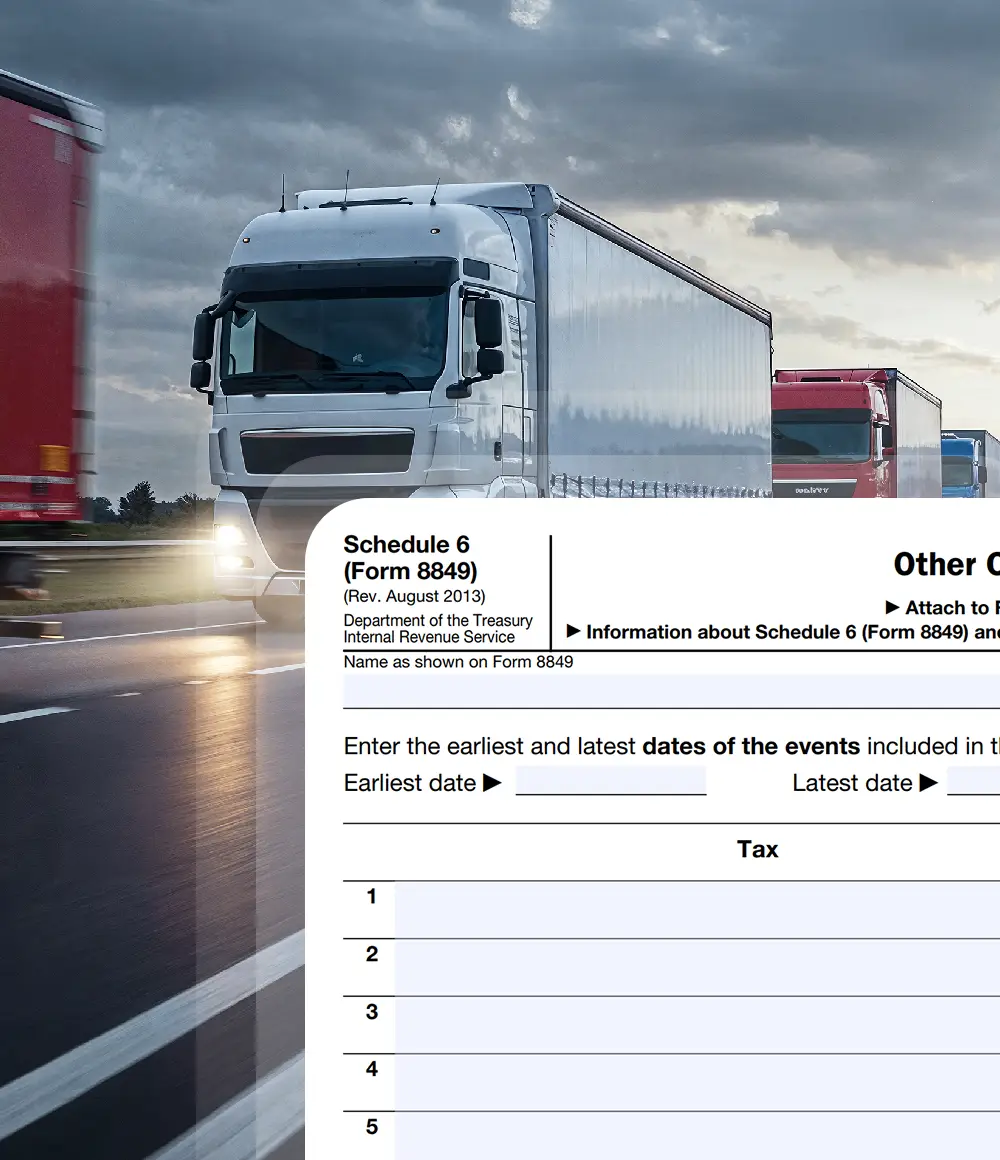
What Is Form 8849 Schedule 6?
- Form 8849 Schedule 6 is used to claim refunds of federal excise taxes that are reported under Form 8849 but are not covered by the other specific schedules. It applies to miscellaneous refund claims, including those related to heavy highway vehicle use tax and other excise tax situations specifically designated by the IRS.
- Schedule 6 is filed with Form 8849 and requires filers to identify the type of claim, the tax paid, and the reason a refund is requested, along with supporting records.
Primary Purpose of Form 8849 Schedule 6
- The primary purpose of Form 8849 Schedule 6 is to allow taxpayers to request refunds for specific federal excise taxes when no other Form 8849 schedule applies. This schedule 6 exists to address miscellaneous refund situations expressly permitted by IRS guidance, ensuring that eligible taxpayers can recover excise taxes paid in error or excess when properly substantiated.
Who Can File Form 8849 Schedule 6?
Form 8849 Schedule 6 may be filed by taxpayers entitled to a refund of federal excise tax that is specifically
allowed to be claimed under Schedule 6 by IRS instructions. Eligibility depends on the nature of the
excise tax and the reason for the refund, not on fuel usage or mixture activity.

Claimants

Claimants


Only taxpayers who meet IRS eligibility conditions and maintain proper supporting
records may file Form 8849 Schedule 6.

Form 8849 Schedule 6 Filing Deadline
- A claim must be filed within 3 years after the filing of the return to which the claim relates, or 2 years after the tax reported on that return was paid, whichever is later.
- For instance if you paid the HVUT tax on August 10, 2024 and You filed the Form 2290 return reporting that tax on September 1, 2024 then You must submit your Schedule 6 claim on or before September 1, 2027 to be valid.
- Claimants must follow Schedule 6-specific IRS instructions and retain supporting records to avoid delays or rejection of the refund.
Specific Instructions for Form 8849 Schedule 6


Manual filing vs Online filing steps with
Simple 720 for your Form 8849 Schedule 6

Form 8849 Schedule 6
- Step 1 - Download the latest versions of Form 8849 and Form 8849 Schedule 6 from the official IRS website to ensure you are using the most current documents.
- Step 2 - Complete the basic details required in Form 8849, including the business name, address, phone number, ZIP code, Employer Identification Number (EIN), Social Security Number (SSN), and the month the claimant’s income tax year ends.
- Step 3 - Mark the appropriate checkbox for "Other Claims" on the Schedule 6 section of Form 8849 to indicate the relevant credit you are claiming.
- Step 4 - Below are the steps to fill Form 8849 Schedule 6. Enter your business name and EIN. These should match exactly with the details provided on Form 8849 to ensure consistency and avoid discrepancies.
- Step 5 - Provide the dates of the events (earliest and latest) and the total refund amount. Carefully review the instructions page to accurately determine and input the correct refund amount.
- Step 6 - Enter each claim in the lines provided. Ensure accuracy when entering amounts related to the fuel you are claiming.
- Step 7 - Space is provided for explanation as well. Fill that carefully.
- Step 8 - Sign and date Form 8849 to validate the filing, confirming the accuracy of all information provided.
- Step 9 - Mail both completed forms (Form 8849 and Schedule 6) to the appropriate IRS mailing address, as specified in the Where To File Section of Form 8849 instructions , to finalize your submission.

Form 8849 Schedule 6
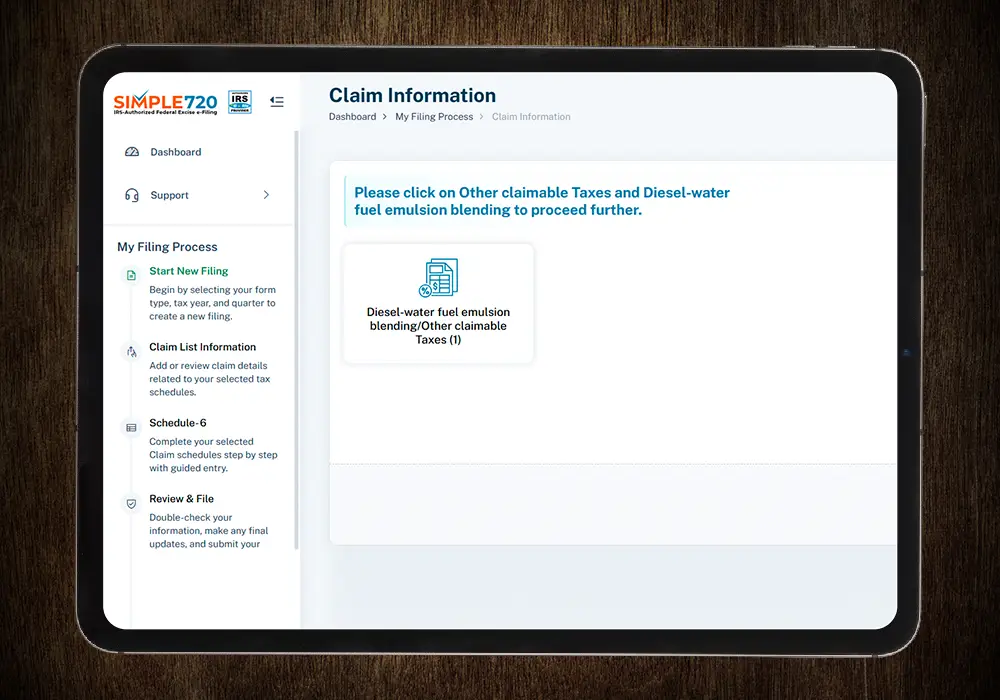
- Step 1 - If you are a new user, create a free account on Simple720. If you already have an account, simply log in using your credentials.
- Step 2 - Enter your business details or select the stored information from the drop-down menu. Choose "Form 8849 (Claim for Refund of Excise Taxes)" from the form type drop-down list.
- Step 3 - Select the appropriate schedule type from the dropdown. Choose "Form 8849 Schedule 6 -Other Claims" then enter the year and month that your income tax year ends.
- Step 4 - Select the category for your filing accurately and provide details like Year, quarter ending, gallons.
- Step 5 - After entering the above details, your claim amount will be automatically calculated and displayed on the dashboard. Once confirmed, submit your claim, and it will be successfully processed.
Benefits of Filing Form 8849 Schedule 6 Online

Anytime Retrieval


We needed to claim an HVUT-related refund, but Schedule 6 was confusing and easy to get wrong. Simple720 helped us file it correctly without guessing which details mattered. The process was clear, and we avoided back-and-forth with the IRS.
Our issue was an excise tax overpayment that didn’t fit other schedules. We weren’t sure if Schedule 6 was even the right place to file. Simple720 made it clear why Schedule 6 applied and guided us through the filing so the claim was submitted properly.
We had paid excise tax in error and needed a clean way to request a refund. Filing manually felt risky. Using Simple720 helped us structure the Schedule 6 claim correctly and keep proper records, which reduced stress during the filing period.